
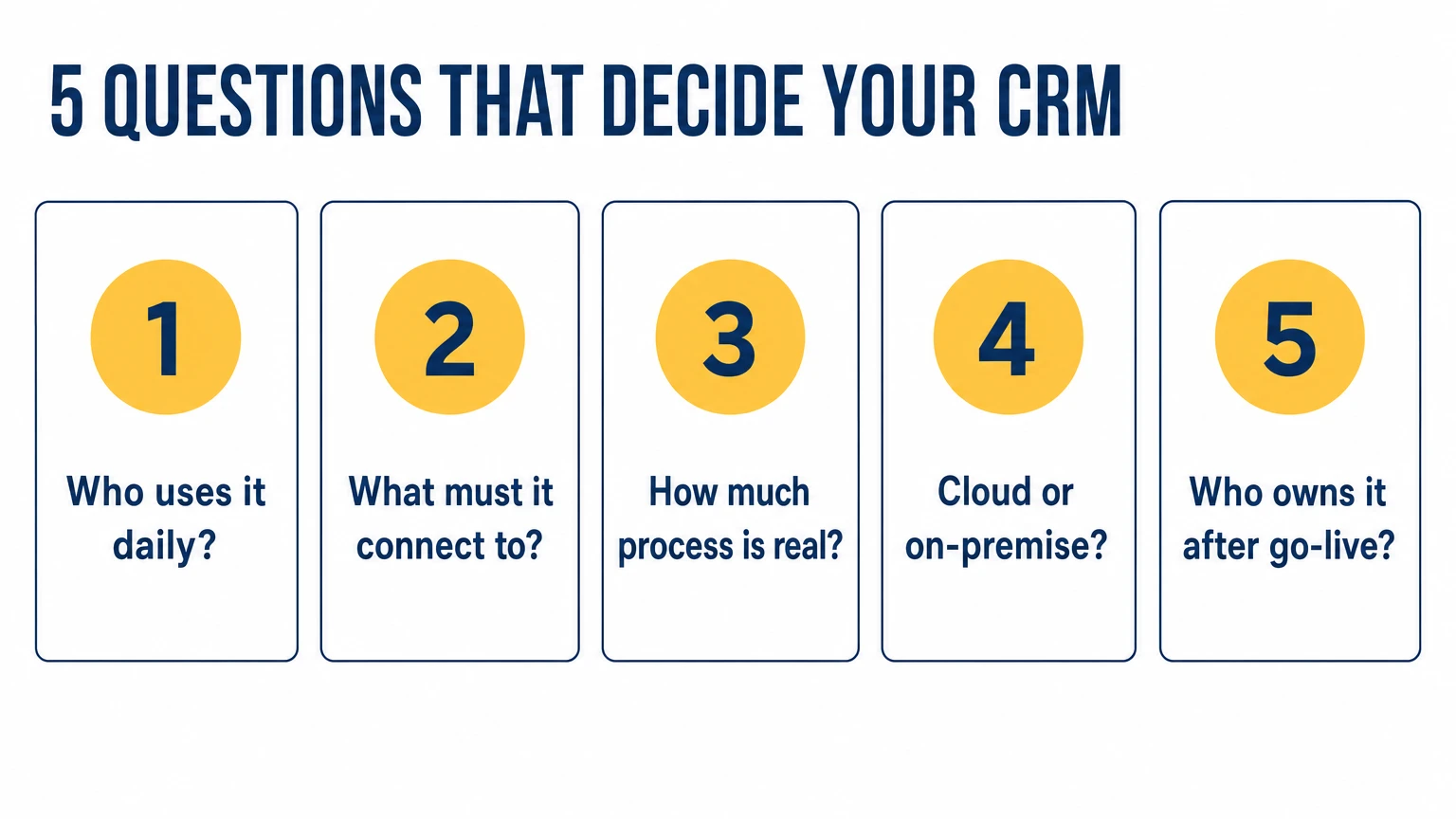
Why start with the workflow, not the feature list?
A CRM does not fix a broken sales process — it encodes whatever process you already have. So the first question is not "which CRM" but "what happens, step by step, from the moment a lead arrives to the moment money lands". Write that down. The gaps you find — the lead nobody followed up, the quote sent from someone's personal email, the deal that lived only in a manager's head — are your actual requirements. The tool comes second.
Which five questions actually decide it?
- Who has to use it every day? If your people live on the phone, telephony and mobile matter more than dashboards. If they live in chat, messenger integration (WhatsApp, Viber, Telegram) is non-negotiable.
- What does it have to connect to? Your accounting, your website forms, your phone system, your inbox. A CRM that does not sync with the systems you already depend on creates double entry — the fastest way to kill adoption.
- How much process do you really have? A 6-person team needs one clean pipeline, not 40 custom fields. Over-configuration is the most common reason small teams abandon a CRM.
- Cloud or on-premise? Most teams should be on cloud. Choose on-premise only when data residency or regulation genuinely requires it — and budget for the maintenance it adds.
- Who owns it after go-live? A CRM without an internal owner drifts back to chaos within months. Decide this before you buy, not after.
How do you match the tool to the team, not the hype?
A CRM is picked to fit the process you already have. We implement five: Uspacy, monday.com, Pipedrive, Zoho and Bitrix24. Here is where each fits best:
- Uspacy — a lightweight, modern portal for small teams that want something simple and affordable without enterprise weight. Our default recommendation for Ukrainian teams.
- monday.com — visual and flexible when sales, projects and operations share one board. Good for teams that think in workflows, not just deals.
- Pipedrive — the cleanest pipeline for a sales-led team that wants to see and move deals without configuration overhead. Fast to adopt.
- Zoho CRM — deep features at a low price point, strongest for teams already inside the Zoho ecosystem.
- Bitrix24 — the widest scope (CRM, telephony, tasks, automation, on-premise option) for teams that want one system to run most of the business. We implement it in EU markets as a Gold Partner. It has been unavailable in Ukraine since 1 June 2023: we keep existing portals supported and start new projects on Uspacy.
- SendPulse — not a CRM but a bulk-messaging platform: we bring it in when marketing automation and multichannel campaigns matter alongside the CRM.
The point is not the brand. It is that a sales-led 8-person team and an operations-heavy 40-person team should not end up on the same tool by default.
What does "10 to 200 people" change?
At 10 people the risk is over-buying: you do not need enterprise features, you need one pipeline everyone updates. At 200 the risk flips — you need roles, permissions, reporting and automation, because what one person used to hold in their head now has to be a system. The CRM that fits at 10 often has to grow with you to 200, so weigh how the tool scales, not just how it starts.
How much does a CRM cost?
Licence price is the smallest number in a CRM project. The real cost is configuration, data migration and the time your team spends learning it. We do not publish an implementation price list — we scope it after the audit. The order of magnitude starts from a few hundred euros for the first workflow, and the timeline is measured in weeks, not an afternoon. The payback comes from the leaks it closes (the lead nobody called, the deal that stalled unseen), not from the software itself.
How do you run the decision in two weeks?
- Days 1–3: map the lead-to-cash workflow and list the two or three systems the CRM must integrate with.
- Days 4–7: shortlist two tools that fit that workflow — not the five with the best ads.
- Days 8–12: run a real pilot with real data and the people who will actually use it, on one pipeline.
- Days 13–14: decide, name an internal owner, and plan the rollout in phases — three core features first, the rest as the team adopts.
Done this way, the choice stops being a gamble on a feature list and becomes a match to how your team already works. If you want a second pair of eyes, a free process audit maps what to automate first — and which CRM actually fits — before you commit a euro.