
What is inside the template
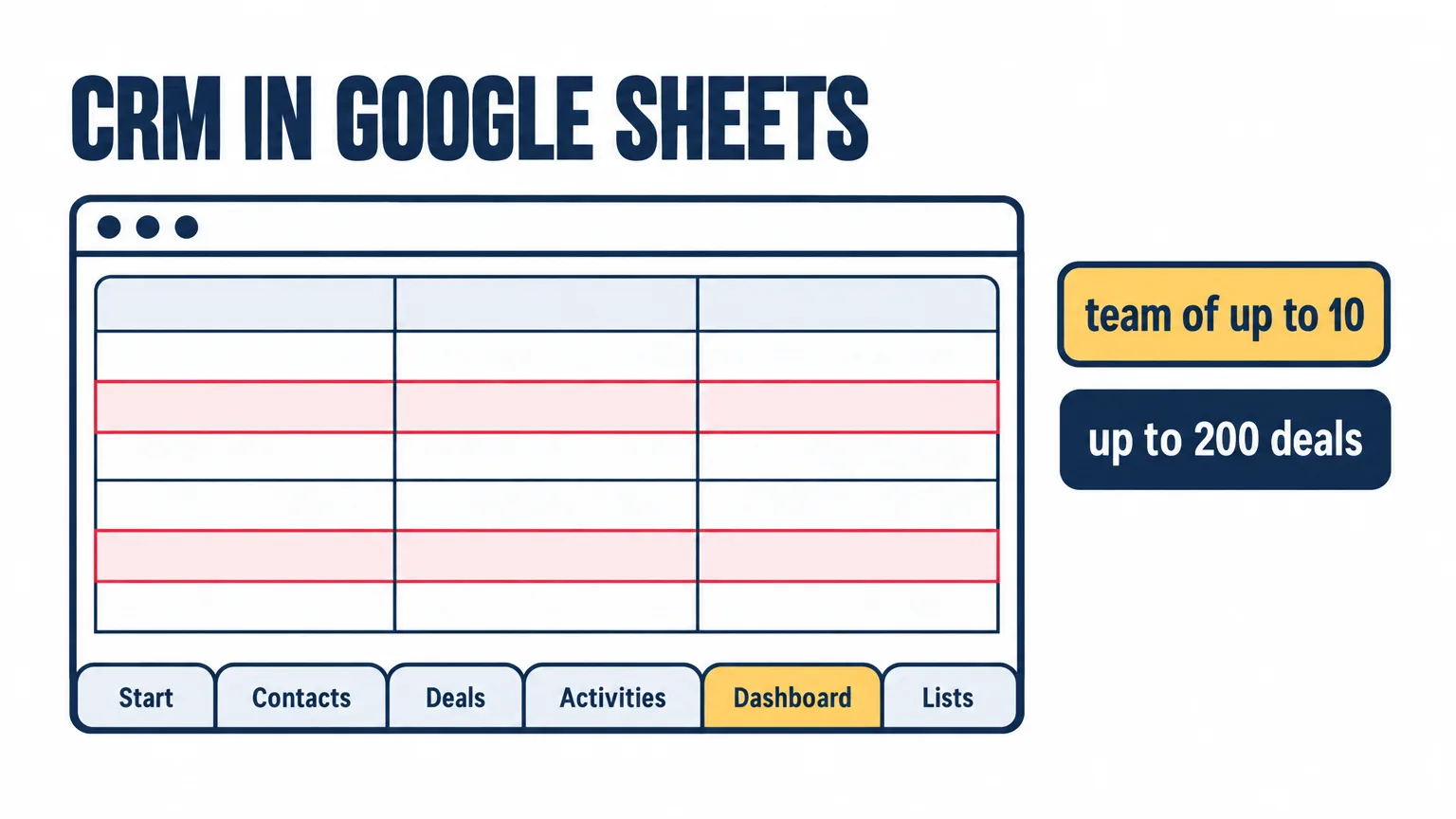
The template opens without signing in to Google. To work in it, save a copy to your Drive: File → Make a copy. Dropdowns, formulas and highlighting travel with the copy. The template is in Ukrainian and has six tabs:
- Start: how to use it and when a spreadsheet is no longer enough, on one page.
- Contacts: company, contact person, phone, the channel the inquiry came from, status, owner, next contact date. An overdue date turns red on its own.
- Deals: name, amount in hryvnias, stage from a list, probability and weighted amount calculated from the stage, expected close, next step and its date, loss reason for closed deals.
- Activities: a log of calls, meetings and emails with the outcome and the next step.
- Dashboard: open deals, pipeline value and weighted value, paid this month, win rate, overdue steps, contacts with no follow-up, deals with no next step, breakdown by stage and by inquiry channel. Nothing to type in.
- Lists: stages with probabilities, statuses, channels, owners, loss reasons, activity types. Every dropdown reads from here.
How to set it up in 15 minutes
- Open Lists and type the team's names into the Owner column. If your pipeline is shorter or longer, adjust the stages and probabilities there as well.
- Move contacts from your phone, mailbox and messengers into Contacts, one row per company or person. Next to each, note where the inquiry came from: within a month the Channel column shows which channel feeds your sales.
- Enter open sales in Deals: amount, stage, expected close. Delete the examples set in grey italics.
- Agree on one thing with the team: every open deal has a next step with a date. The spreadsheet does the rest.
Four rules without which a spreadsheet stops working within a month
Spreadsheets do not die of volume. They die of missing discipline. The template rests on four agreements, and the same four later move into any CRM unchanged.
- One row equals one deal. A customer with three orders has three rows in Deals and one in Contacts.
- Every open deal has a next step and a date. A deal without a step stalls, and the dashboard counts such deals separately.
- The stage is changed by the person who spoke to the customer, on the day of the conversation. Updating "retroactively before the meeting" turns the pipeline into a decoration.
- Fifteen minutes every Friday on the dashboard: overdue steps, deals without a step, contacts with no follow-up. A team of up to 10 needs no more control than that.
Where the limit is: three signs a spreadsheet is no longer enough
Template vendors name the ceiling themselves. HubSpot writes that its spreadsheet CRM is built for the first 25–50 customers and takes one to two hours a week, and that after 50 active relationships manual updates become time-consuming. Thefrontkit puts the limit at a few hundred active records and one or two users. The Devlly studio describes how edit conflicts start once four or five sales reps work in one shared file, and says that in its experience 10 to 20 percent of inquiries are lost in manual transfer, without describing how that was measured.
In the 10–200-employee companies Auspex works with, the limit runs through people and channels, not rows. Three signs it is time to move on:
- Inquiries arrive from three or more channels and nobody transfers some of them into the sheet. An inquiry that was never written down does not get lost in plain sight. It simply does not exist.
- Three or more people work in the file at the same time and you no longer know who changed a deal's stage and when. Version history exists on paper, but finding one edit for one customer in it is hopeless.
- You need reminders, call recordings in the customer card and conversion by stage, not a list. A spreadsheet will not call the rep or resurface a forgotten deal three days later.
If one sign matches, the spreadsheet will last another six months. If two or three match, it is time to count the losses: that is where the Auspex course "CRM for the owner" (in Ukrainian) starts, with a map of channels and a one-page description of the sales process from three won deals, before choosing a system.
What to migrate into a CRM when you are ready
The template is built so that the move is not a rewrite from scratch. Each tab maps to a CRM entity:
- Contacts become contacts and companies. The Channel column becomes the lead source.
- Deals become pipeline deals with the same stages. If the stages worked in the spreadsheet, they will work in the system; if they did not, no CRM will rescue them.
- Activities become the history in the customer card: calls, emails, meetings.
- Lists become dropdown fields, the Dashboard becomes the pipeline report.
Before importing, copy the file, fix a cut-off date and give every row a unique number: the template already numbers rows for you. After the move you can then compare counts before and after and not lose customers on the way.
Why a Google Sheet and not an Excel file
An Excel file lives on one computer, and the "latest" version is always on someone else's. A Google Sheet is one for everyone, changes are visible at once, version history lets you undo an accidental deletion, and the formulas and dropdowns are the same. For a team that is not ready for a CRM, it is the only sensible answer to the "CRM in Excel" request.
What next
The template covers the first step: seeing inquiries, deals and overdue steps in one place. When two or three of the signs match, Auspex suggests taking the next step with numbers rather than gut feeling: a CRM audit over 2–3 days shows which processes, data and channels to move into the system and in what order.
Sources
- HubSpot. Free CRM Spreadsheet Template for Excel and Google Sheets: built for the first 25–50 customers, 1–2 hours a week (their estimate)
- Thefrontkit, 2026. Free CRM Template for Excel and Google Sheets: a ceiling of a few hundred active records and one or two users
- Devlly, 2026. CRM vs Google Sheets for managing customers: edit conflicts with 4–5 sales reps
- Devlly, 2026. When to move from spreadsheets to a CRM: five signs and inquiries lost in manual transfer (their experience)
- CRM.org, 2026. Top 7 Google Sheets CRM Templates: how the templates are built — contacts, deals, dashboard, lookup lists
Author: Andrew Maryasov, founder of Auspex. Auspex has implemented CRM since 2015: 1,500+ projects for 1,200+ companies; in Ukraine it works with Uspacy.